











Give Now Online
Simple and secure. Give a single gift or schedule
recurring giving using your checking account, debit, or credit card.
-
Text 'Give' to 68000
Message frequency varies. Message & data rates may apply. Text HELP for help. Text STOP to cancel.
-
By Cash or Check
If you would like to give by cash or check, please drop it in the Offering Boxes in the Auditorium or mail to our address:
14900 East 126th Street
Fishers, Indiana 46037 -
Give Stock
You can quickly and securely give stock to Heartland Church through Overflow.


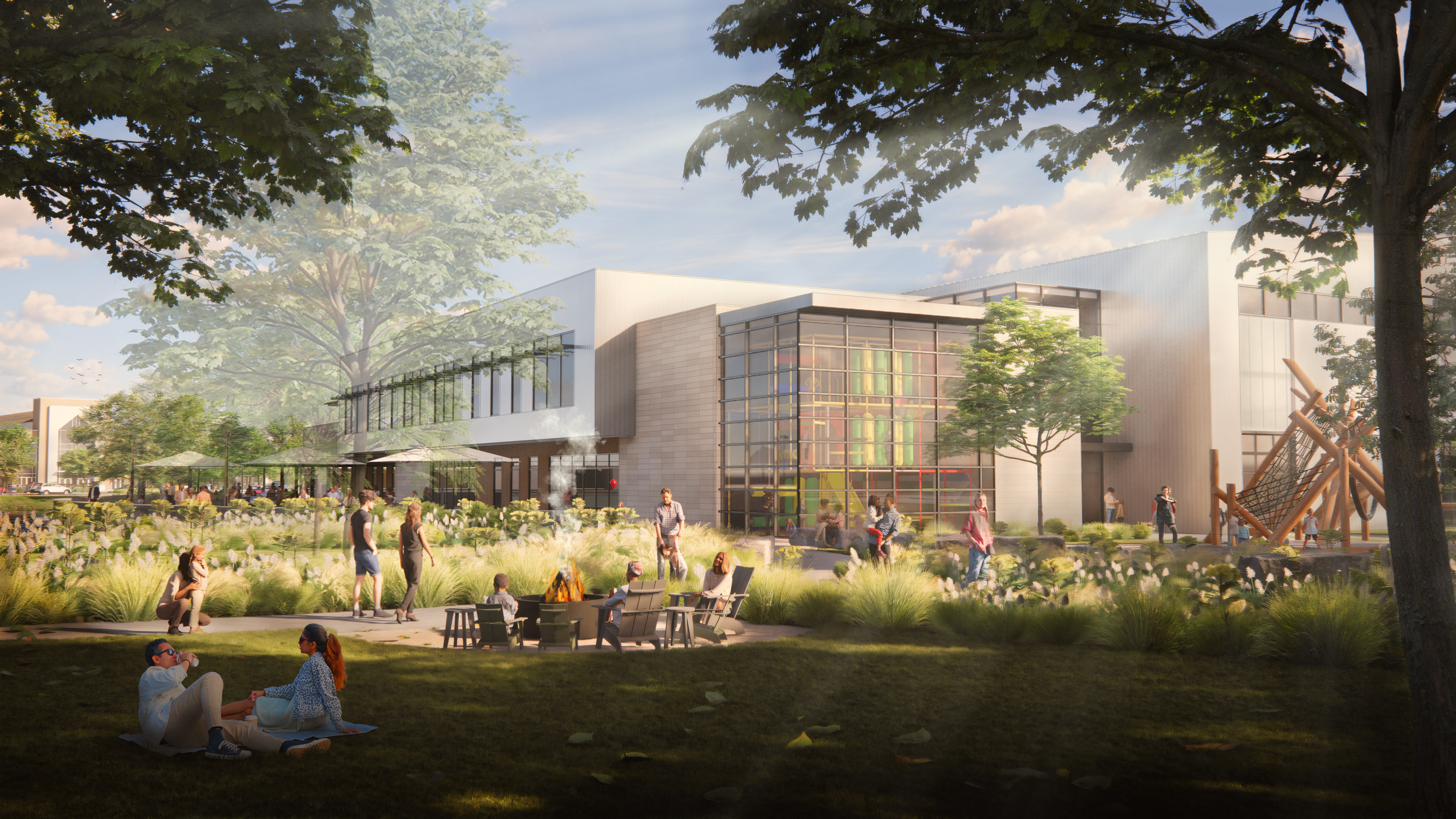

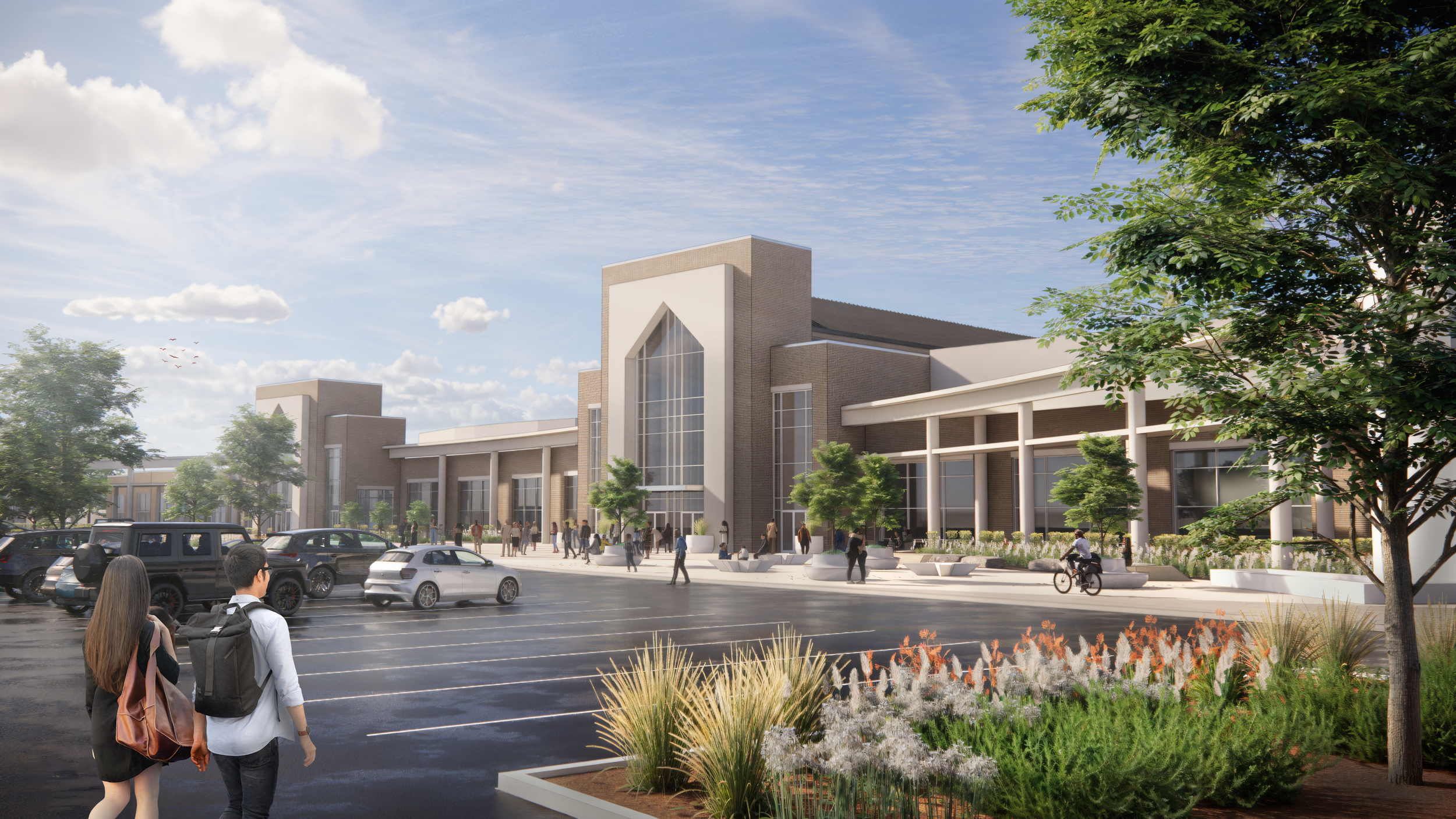



Our vision is simple: care for the people God has placed here—
and the ones He is sending. To steward this moment, we are focused on three priorities and inviting everyone to take one step.
Three Priorities
The Next Generation – creating spaces where kids and students are known, mentored, and led to Jesus
Care & Formation – places set apart for discipleship, counseling, learning, and spiritual formation, where deeper conversations and meaningful care can happen.
Our Community – making room to gather, connect, and welcome those God is drawing
One Simple Response
Pray: “Lord, what would You have me do?”
Plan: Let us know your giving intention over the next 2, 3, or 5 years.
Access Your Giving Statement
To print a summary of your giving, log in here and follow these steps:
Scroll over “Giving” at the top right of the screen and select “Giving History”
From the list of available statements, you may download and/or print your giving statement
If you cannot remember your my.heartlandchurch.com login or need assistance setting up a login, please email finance@heartlandchurch.com or call 317-842-5500 EXT 7013
Automated Giving
If you’ve not created your Heartland User Account simply follow this link and click on “Your Account”. Once your account has been created, you’ll sign in using your credentials and then do the following to set up automated giving:
Click on "Give"
Choose "Setup Recurring"
Insert the amount you'd like to give and how often you'd like to do so
Insert your billing and financial information
Authorize your payment
Click "Submit"
Automatic Bank Pay
Automatic Bank Pay is an easy and effective way to give through your checking or savings account. Simply log in to your individual bank account and follow your bank’s instructions to set up Heartland Church as a new payee. If you have any questions concerning ways to give, please call the Heartland Church Office at (317) 842-5500 or contact us.
